Digital menu boards for restaurants and cafés
Show the right menu at the right time, change a price in seconds, and stop reprinting boards.
1 screen free · no credit card

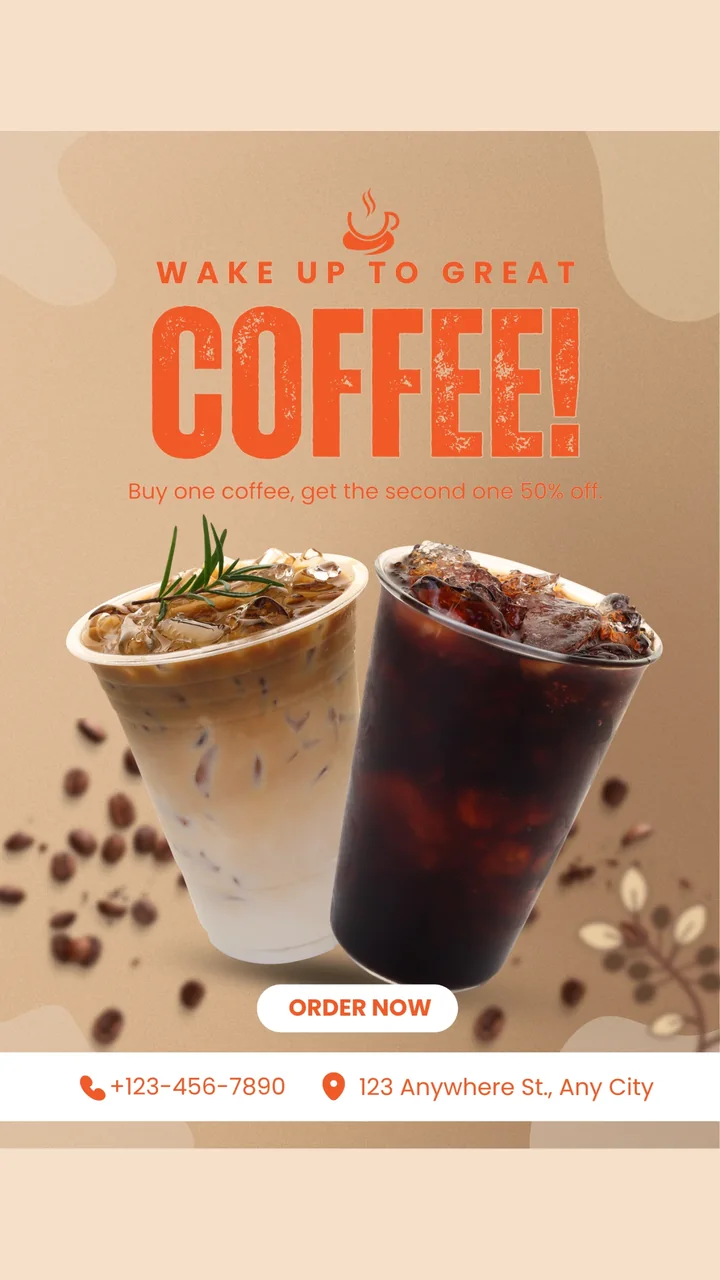
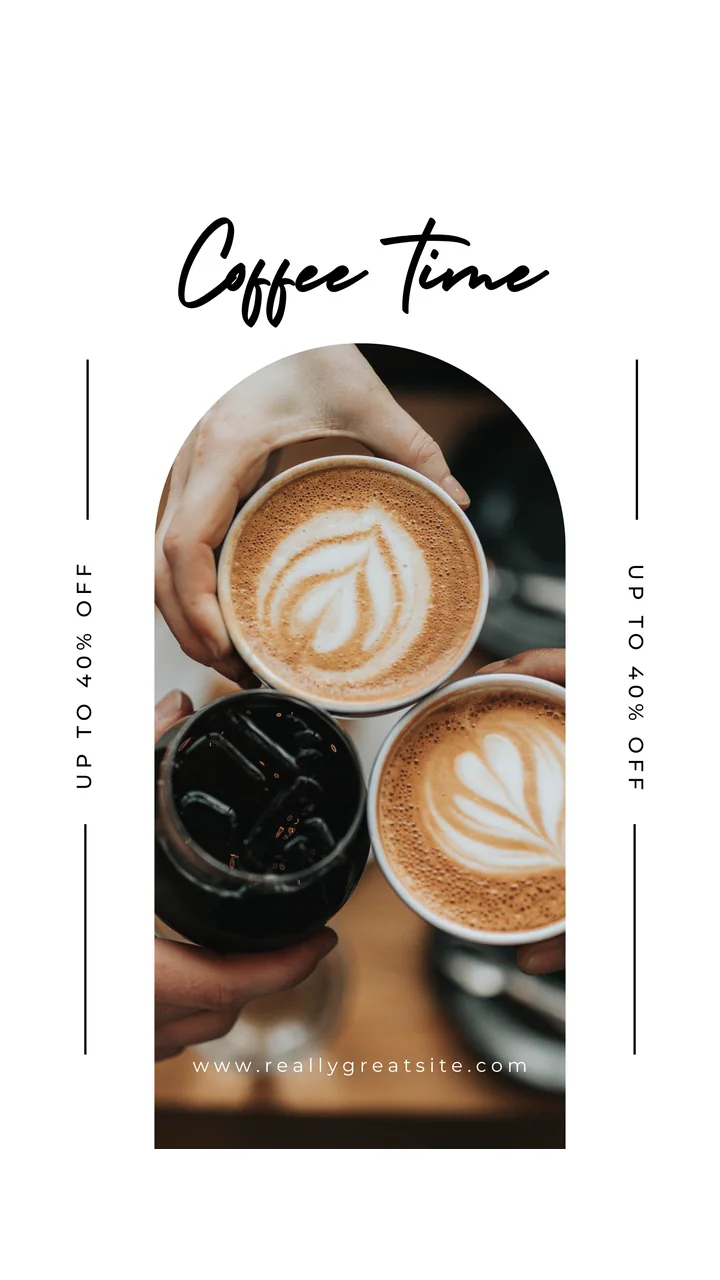
Show the right menu at the right time, change a price in seconds, and stop reprinting boards.
1 screen free · no credit card
A printed menu board is out of date the day a supplier changes a price. A screen is not. With onday you design the menu in the tool you already use, upload it, and schedule when it shows.
It works on an ordinary TV behind the counter or a portrait screen in the window. Pair it once and manage it from your phone or laptop.
Breakfast until 11, lunch until 3, evening after that. Set the times once and the screens switch by themselves.
Swap an image or edit a slide and every screen updates. No printing, no waiting, no sold-out items left on display.
Set each screen’s orientation in the dashboard and content is rotated to match.
Videos are downloaded to the device once and played locally, not streamed on every loop.
Run one café or a whole chain. Each location keeps its own menus and prices.
Give site managers Editor access so they can change specials without touching anything else.

There is no special editor to learn. Export a menu from Canva, PowerPoint or Google Slides as an image, or paste a Google Slides link and show it live. A 1920×1080 image suits a landscape TV and 1080×1920 suits a portrait one.
One screen is free. Up to 10 screens are $19 a month and up to 50 are $49 a month, per account and not per screen. A three-screen menu wall costs the same as one extra screen.
More solutions
Set up your first screen in minutes — free, no credit card.